Scan or import
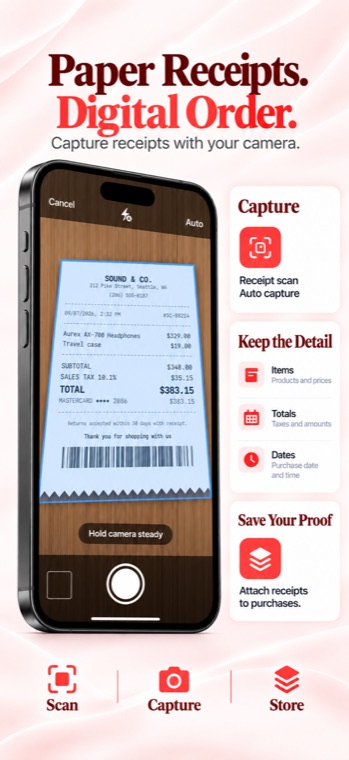
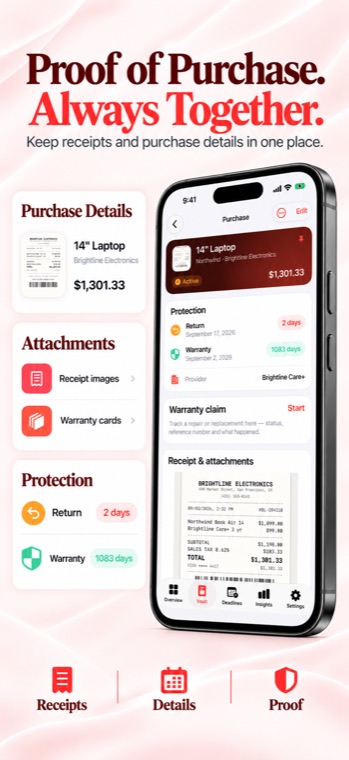
Photograph a paper receipt, or import the PDF invoice a shop emailed you. Slipvana reads the store, date, total, order number and warranty terms for you.
For iPhone and iPad
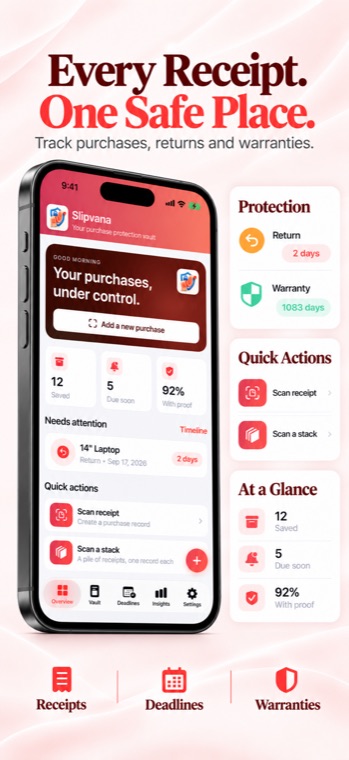
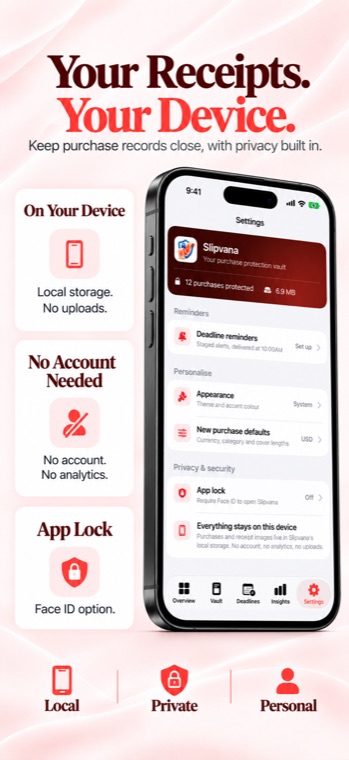
Slipvana scans your receipts, reads the invoices shops email you, and counts down every return window and warranty. Everything stays on your device: no account, no uploads, no tracking.

 Free · iOS 17 or later · Android
A closer look
Swipe through the app, or use the arrows.
What it does
Photograph a paper receipt, or import the PDF invoice a shop emailed you. Slipvana reads the store, date, total, order number and warranty terms for you.
Empty the shoebox in one session. Scan a pile of receipts and each one becomes its own purchase, ready to check before you save.
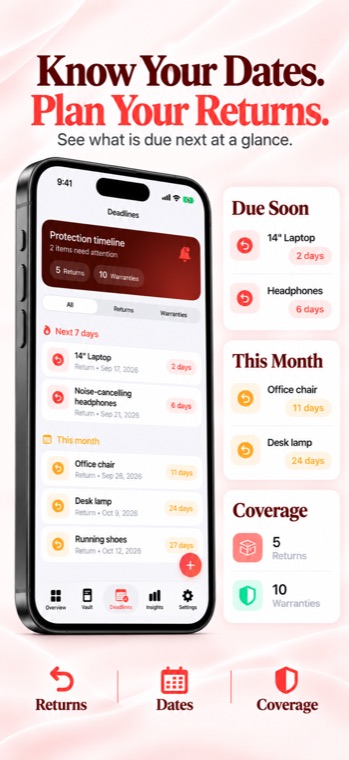
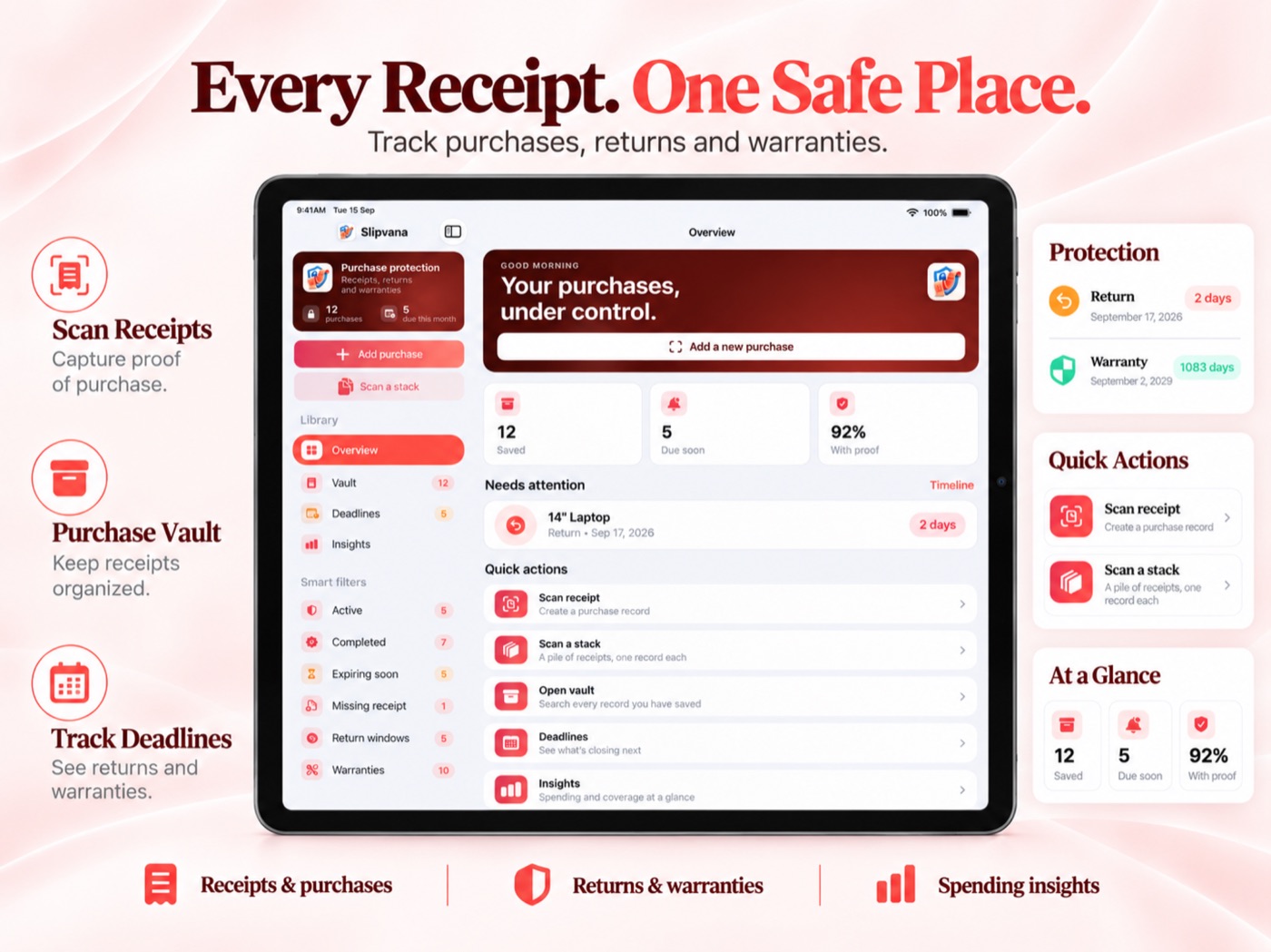
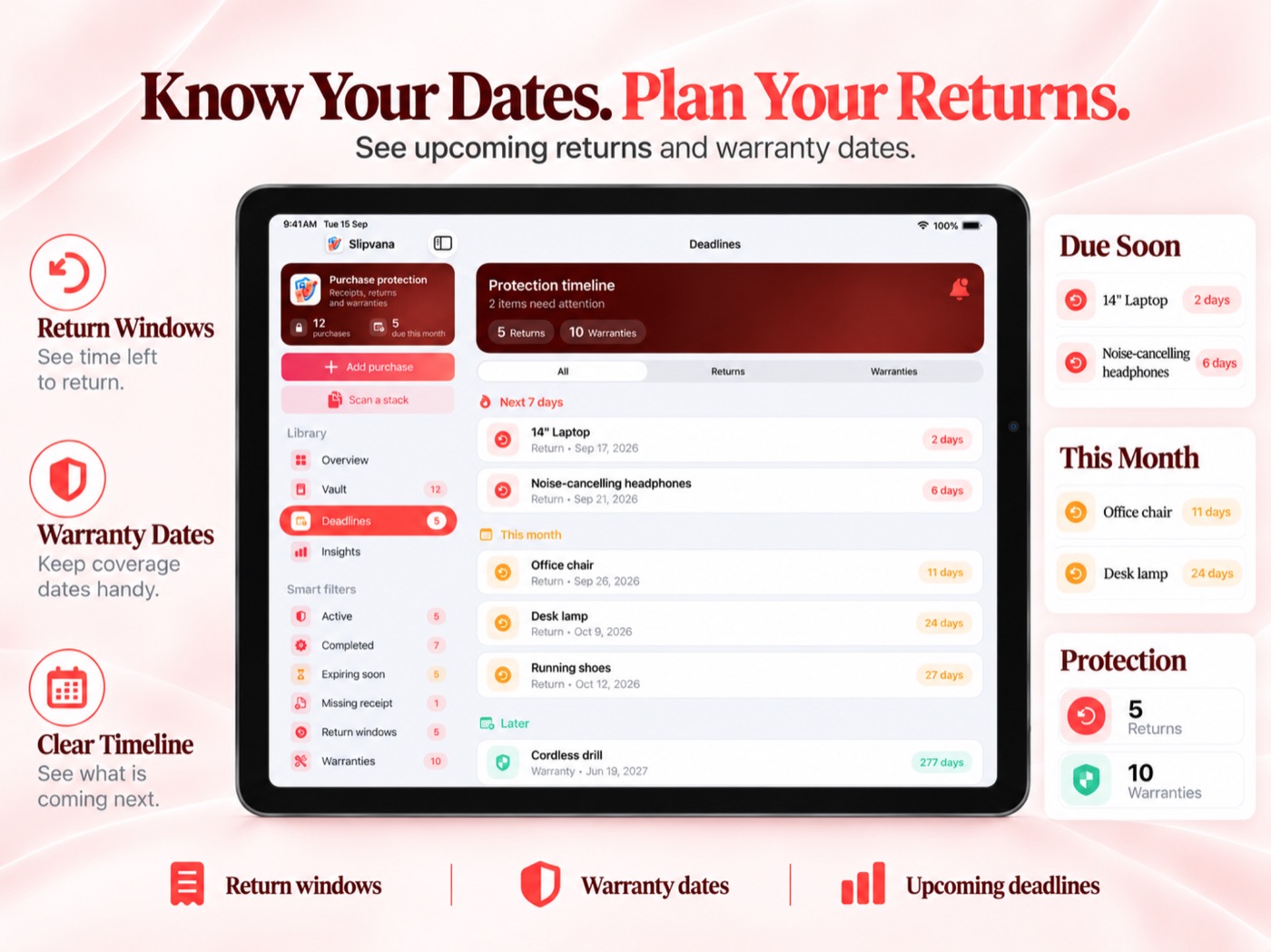
Alerts 7, 3 and 1 day before a return window closes, and 30, 14 and 7 days before a warranty ends. Change the timing, or mute a single purchase.
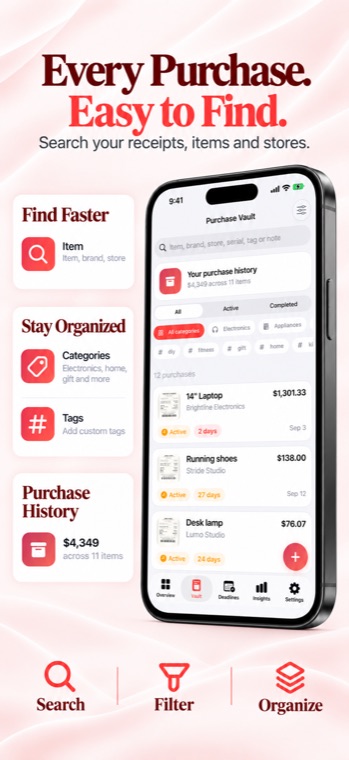
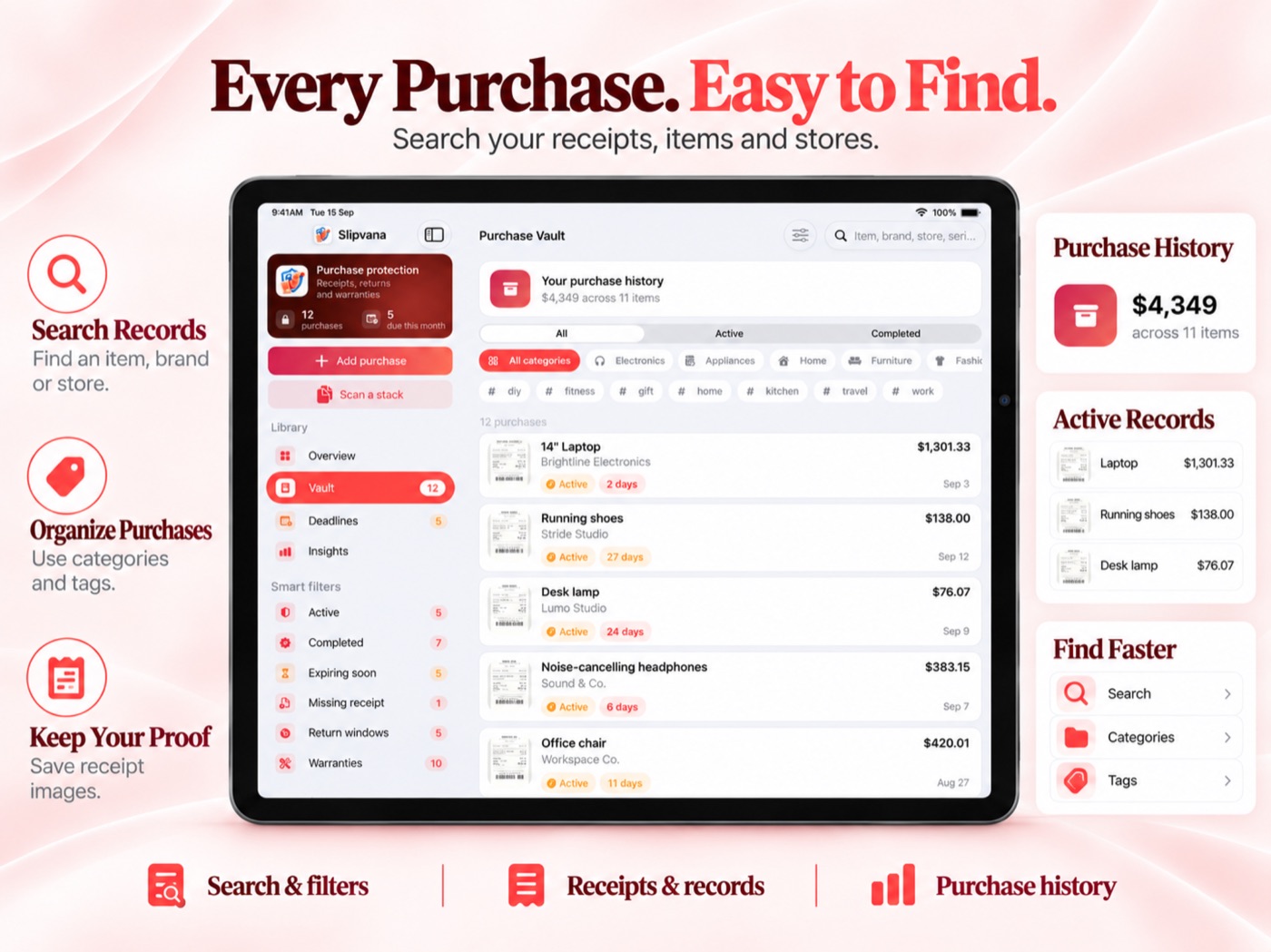
Search by item, brand, store, serial or order number. Filter for what is expiring soon, or for records still missing a receipt.
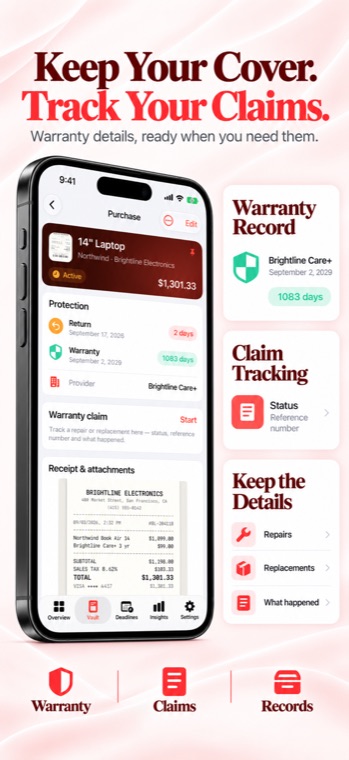
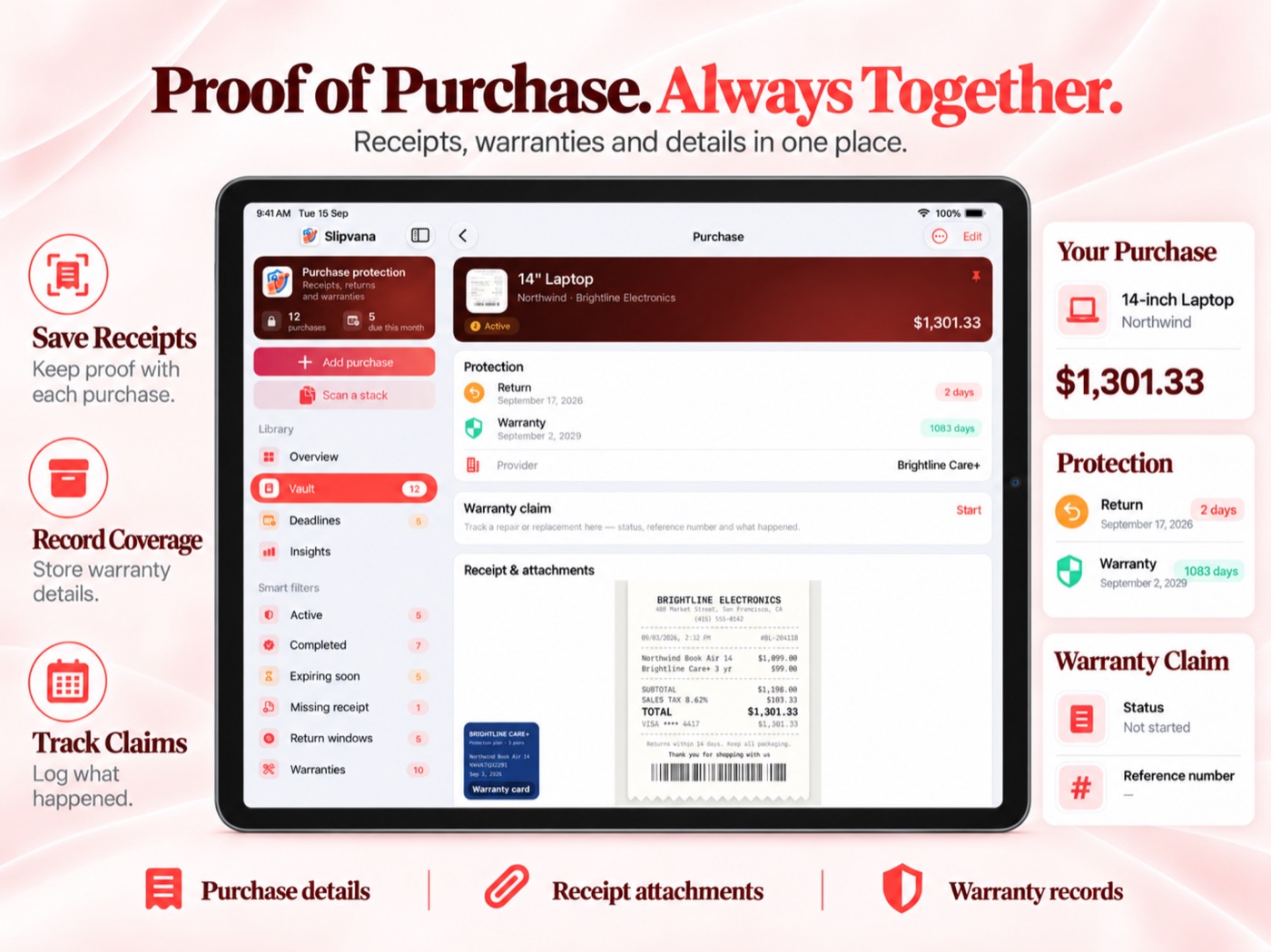
Track manufacturer warranties, extended plans, the provider and the policy number. Log a claim with its status, reference and notes.
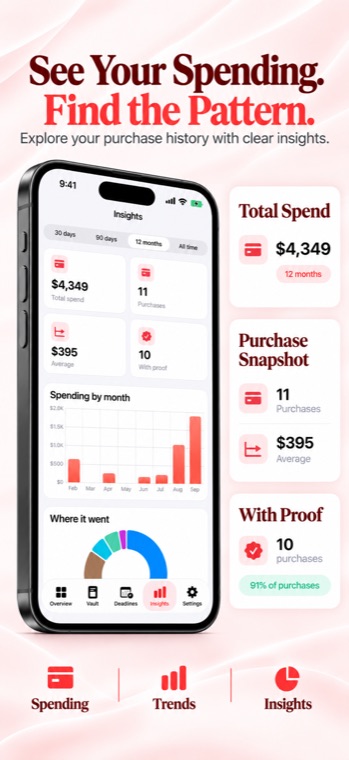
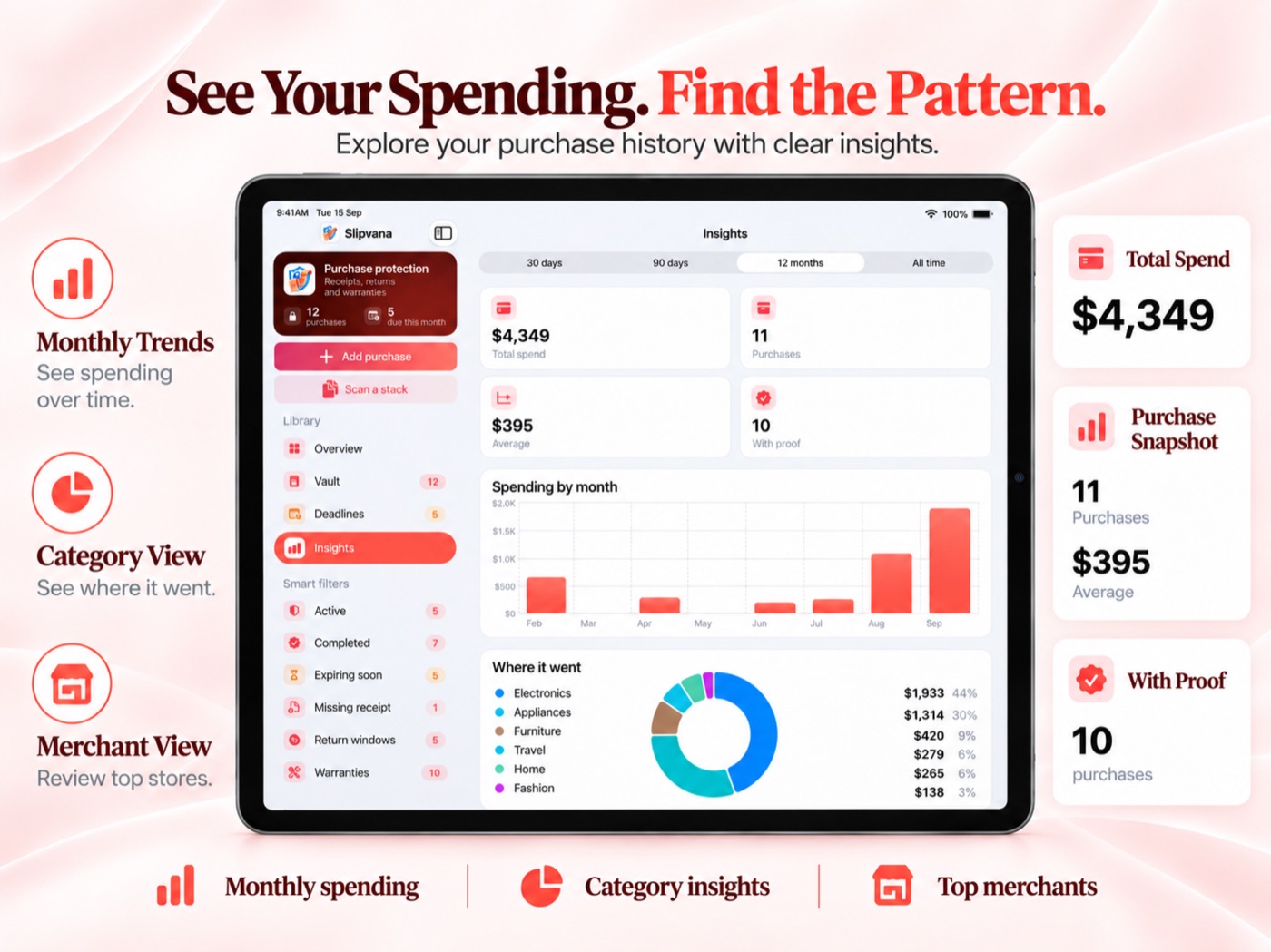
Export a spreadsheet, or a printable PDF report with receipt images for a claim. Back everything up to a file you control.
On iPad
A sidebar keeps your library, smart filters and settings one tap away.
Private by design
Slipvana has no account system and no server to send anything to. Receipts are read on the device, and they stay there unless you export or share them yourself.
Questions
No. There is no sign-up, no login and no cloud service. Your purchases live in Slipvana's own storage on your device.
Photographed and scanned paper receipts, and PDF invoices from Mail, Safari or Files. A PDF that contains real text is read exactly; photos and scans go through on-device text recognition. You can correct any field before saving.
Create a backup file in Settings, then restore it on the new device. Importing the same file twice is safe, because purchases you already have are skipped.
Yes, always. Slipvana makes no network requests at all.
Yes. No subscription, no in-app purchases and no ads.
Scan it, and Slipvana will remember the dates for you.